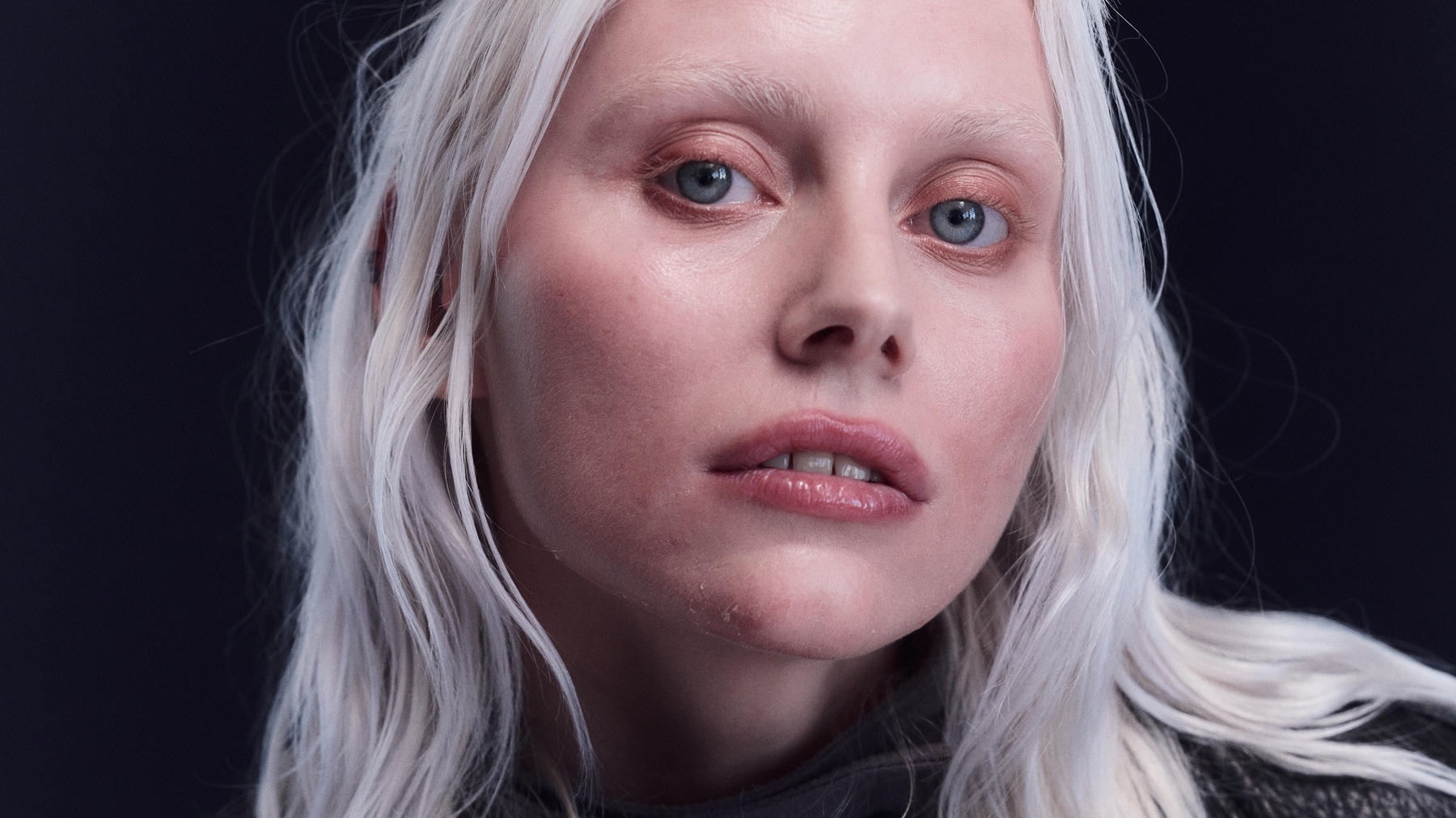
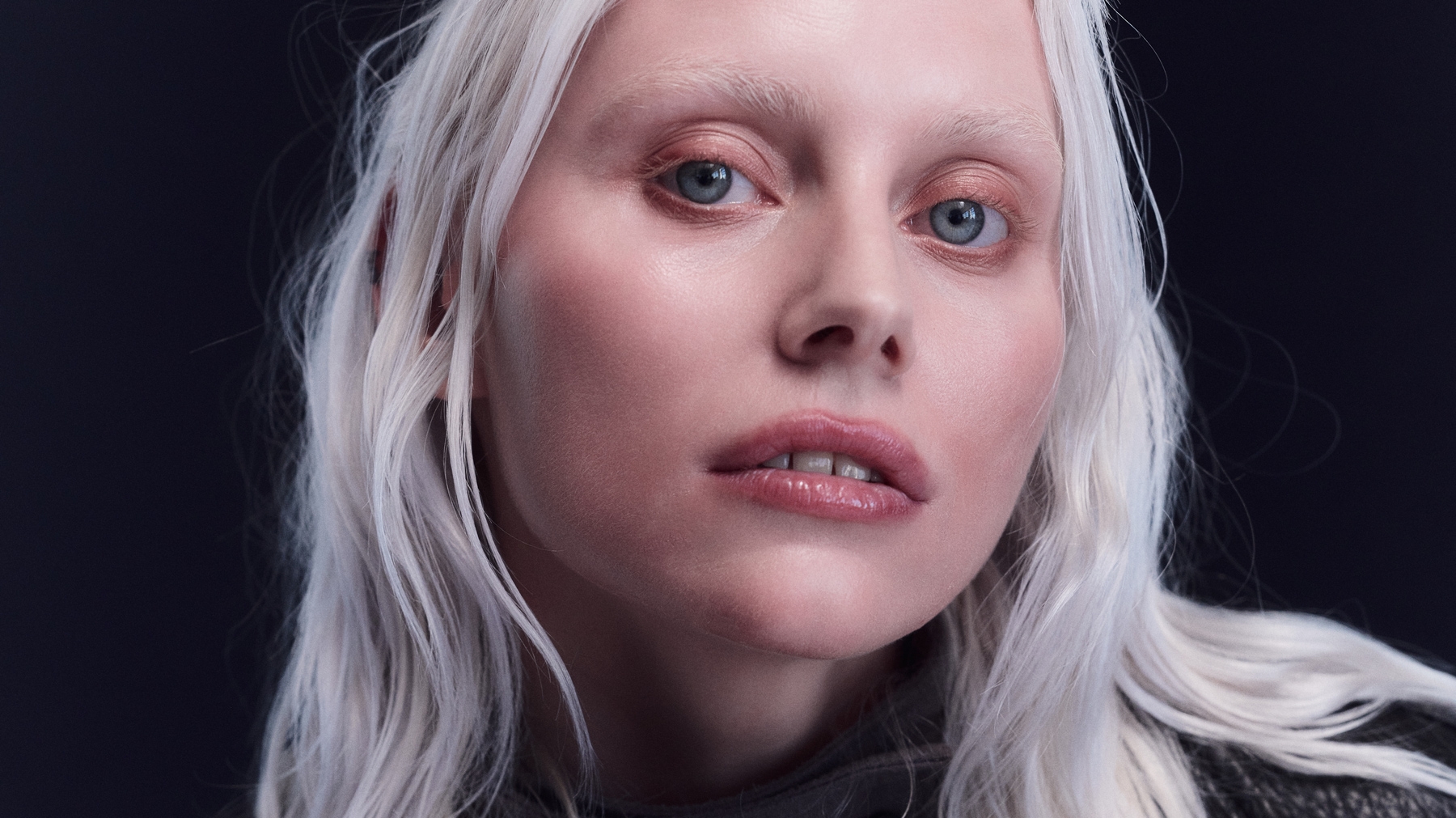
stray hair
RETOUCH STRAY HAIR
Two sliders clean up loose hair. One works outside the hairline and one inside the hairline. Easily protect the areas you want to keep.
Pull the sliders and decide how much you want to retouch your image.
Two sliders clean up loose hair. One works outside the hairline and one inside the hairline. Easily protect the areas you want to keep.
Even out skin across the whole body, not just the face. The Texture slider sets how much natural texture stays.
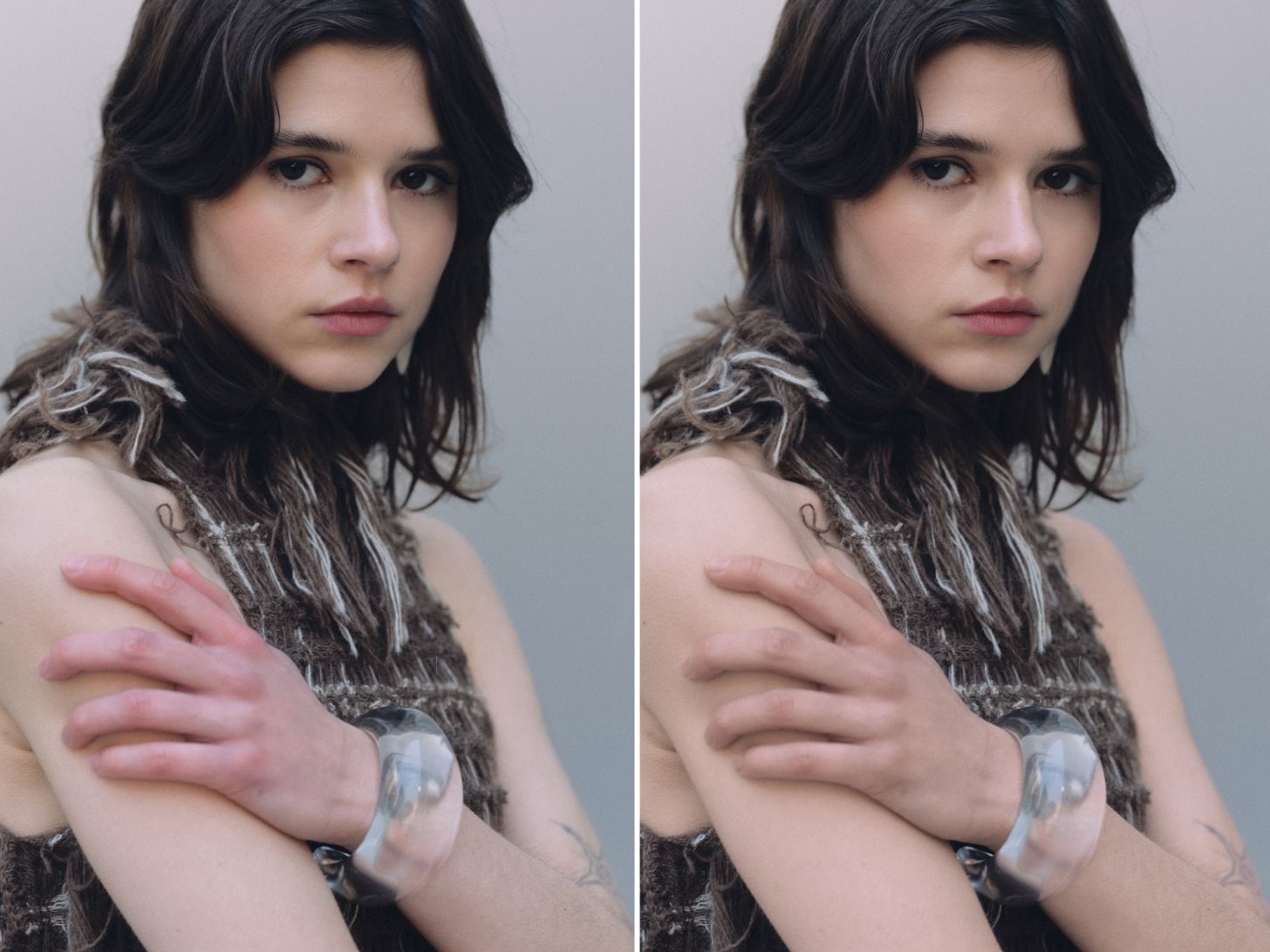
Remove color casts, red noses, and discolored hands. Capture One picks a target tone from your subject, and then you can easily tweak from there.
Follow Copenhagen-based photographer Simon Baungård as he uses our new retouching tools to complete a full portrait shoot in one app.
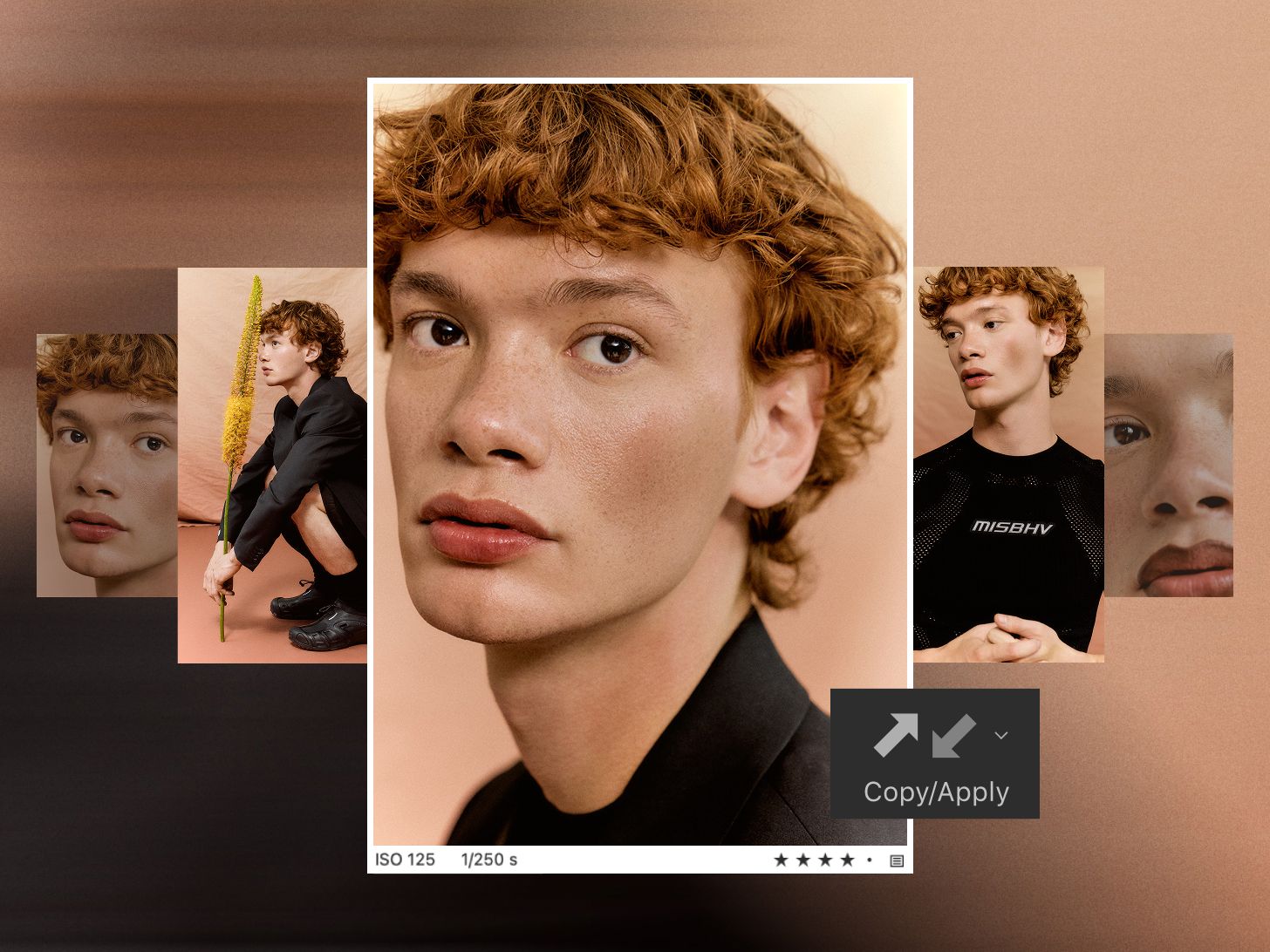
Get one image right. Then apply the same retouching to the rest of the shoot in one go.

Brush over freckles, moles, or strands of hair to keep them out of the retouch.

Save your retouching settings as a Style and use them on the next shoot.

Everything runs locally on your device. Nothing is sent to the cloud.

Finalize the look before wrap by applying your retouch as you shoot.
Complete workflow flexibility, allowing you to deliver and create freely.