MOBILE
DENOISE
COLOR
MORE EDITING, WHEREVER YOU ARE
Enhanced Denoise, Color Balance, and Heal & Clone are now on mobile. We've also added Keywords to make any image findable, and your crops will now follow camera orientation when you shoot tethered.
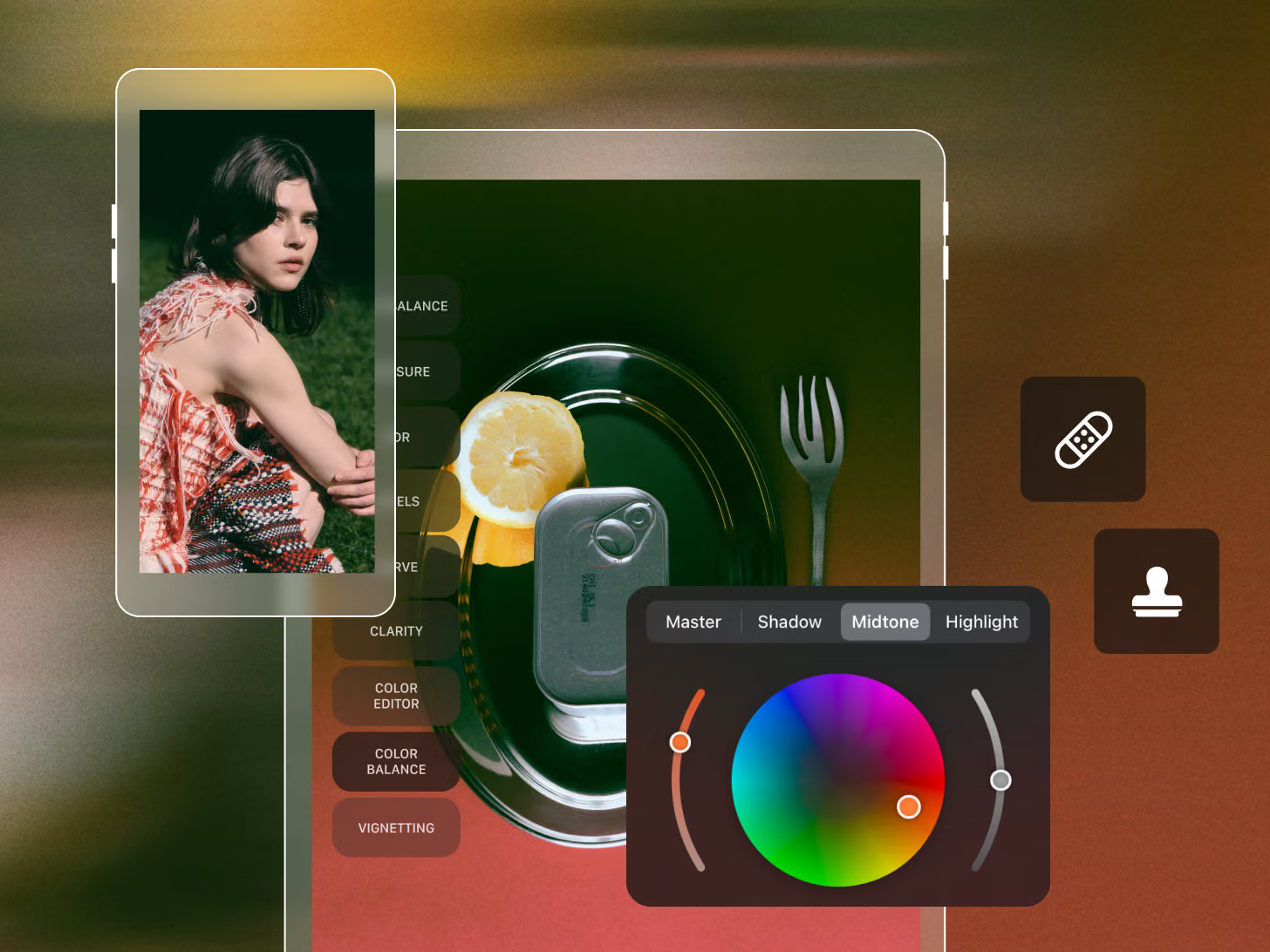
Enhanced Denoise, Color Balance, and Heal & Clone are now on mobile. We've also added Keywords to make any image findable, and your crops will now follow camera orientation when you shoot tethered.
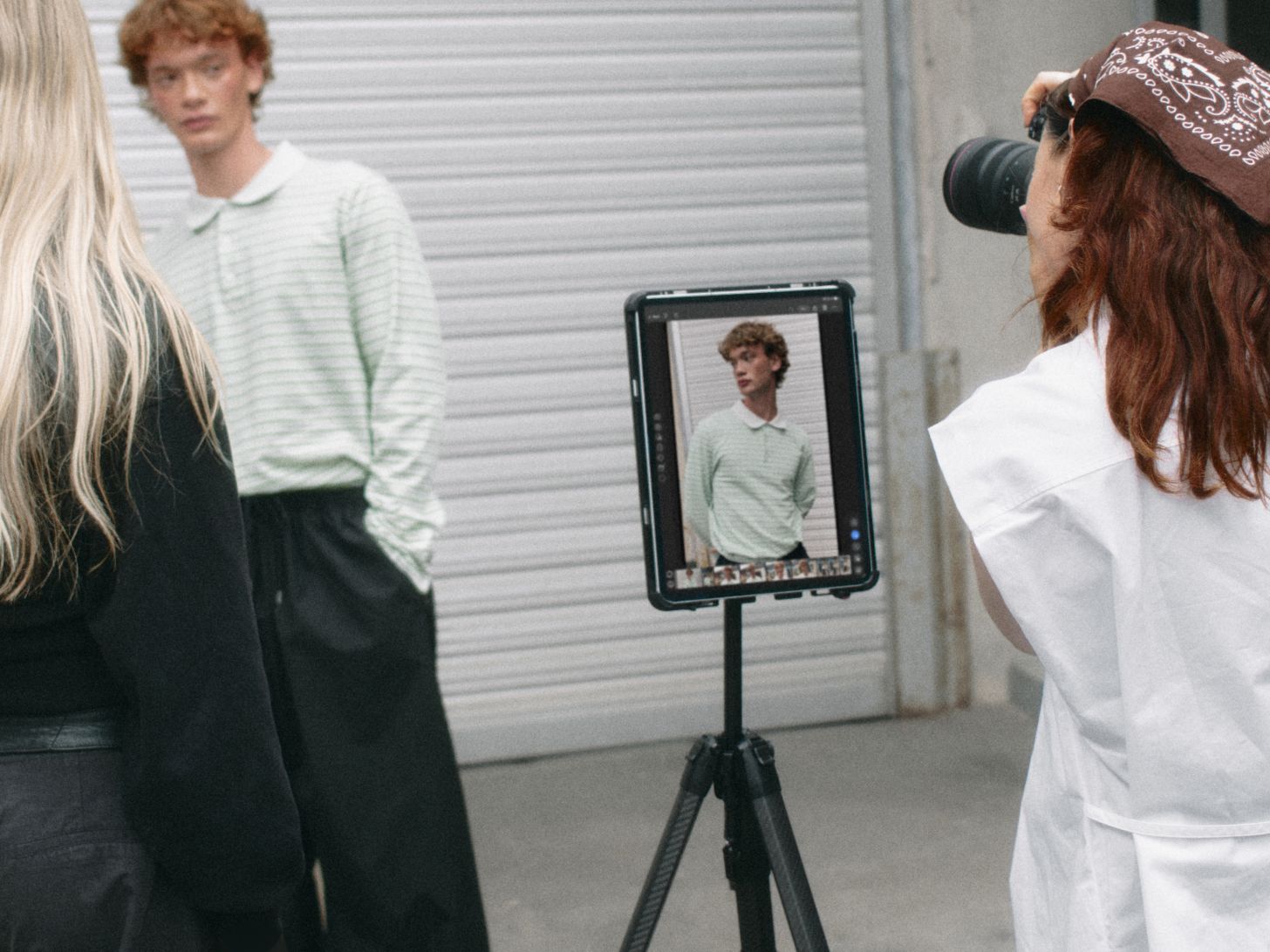
Tether wirelessly to your iOS device, as fast as a cable. Previews land seconds after you shoot, with full RAW files following close behind. Available for the Canon EOS R5 Mark II and EOS R1.
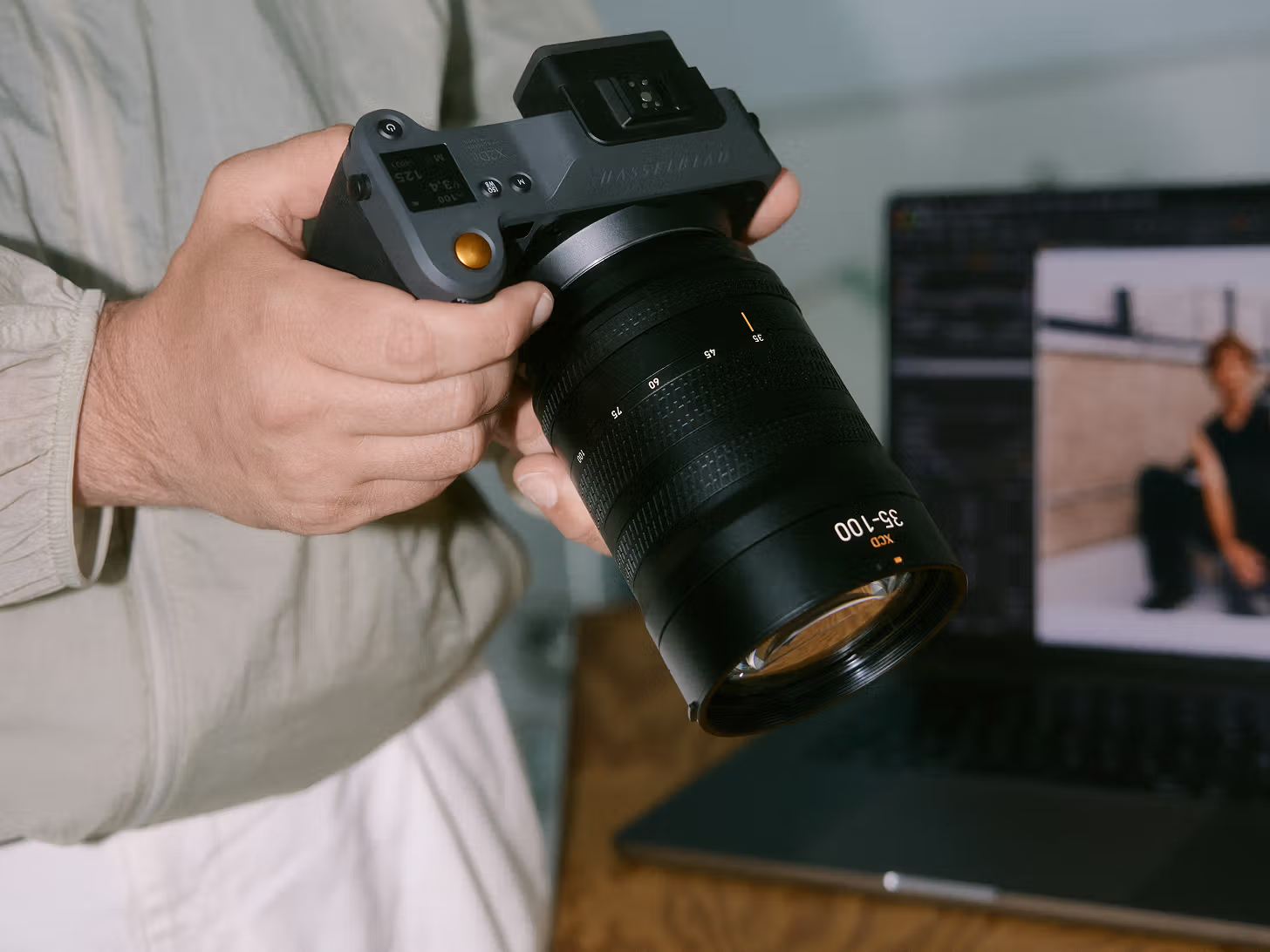
Import, organize, and develop your Hasselblad .3FR files directly in our software. No conversions, no workarounds. Custom profiles mean Hasselblad's color renders faithfully from the first import.
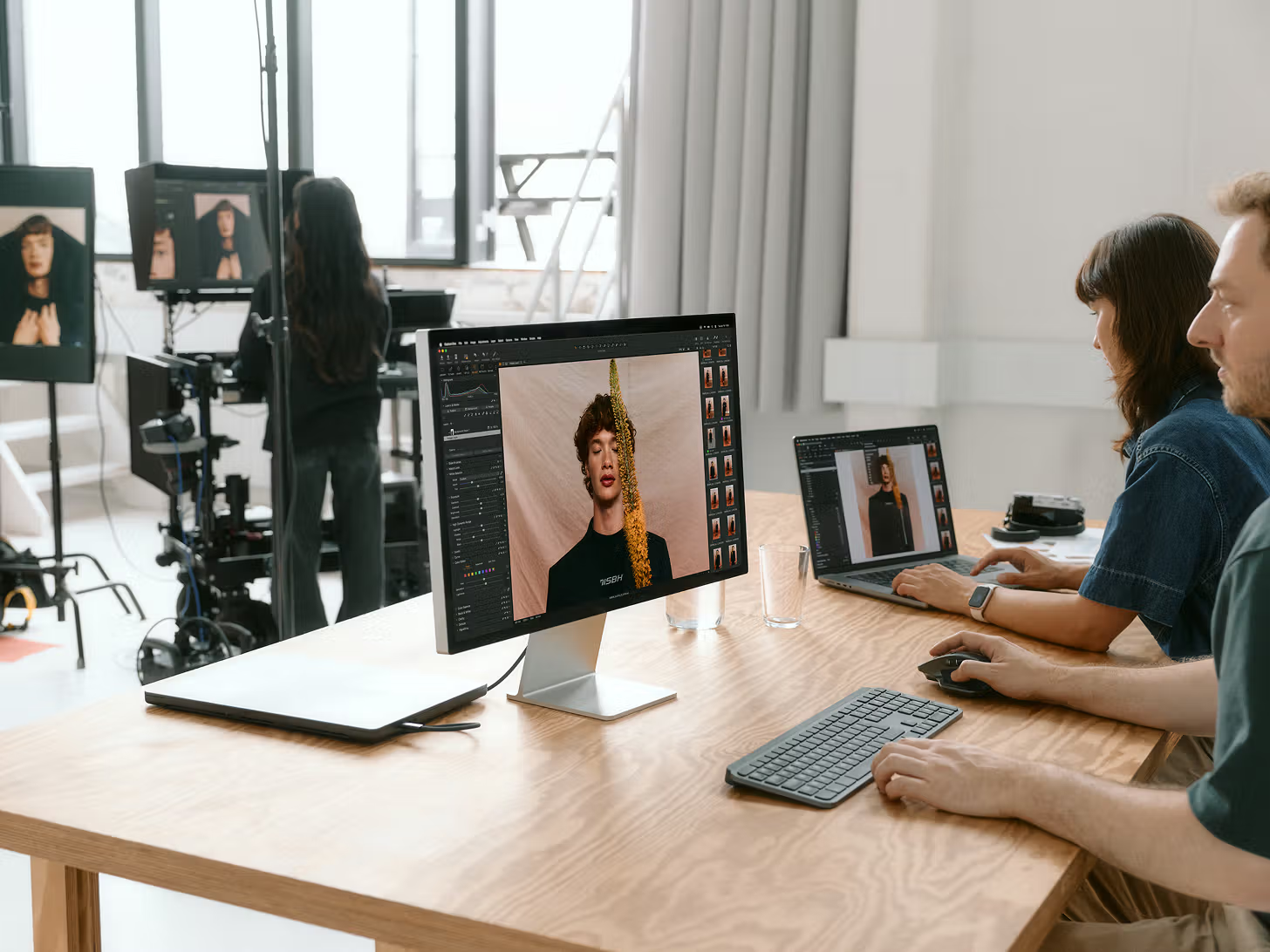
Collaboration is the cornerstone of every studio shoot, so we thought we’d make it better.
Multi-User Sessions (Beta) puts your whole team in one session, creating, editing, and rating together safely over your local network. No more clunky and time-consuming handoffs. Mac only at launch. We’re also adding tethering and file support for the Leica SL3-P and file support for 20+ Panasonic Lumix cameras.
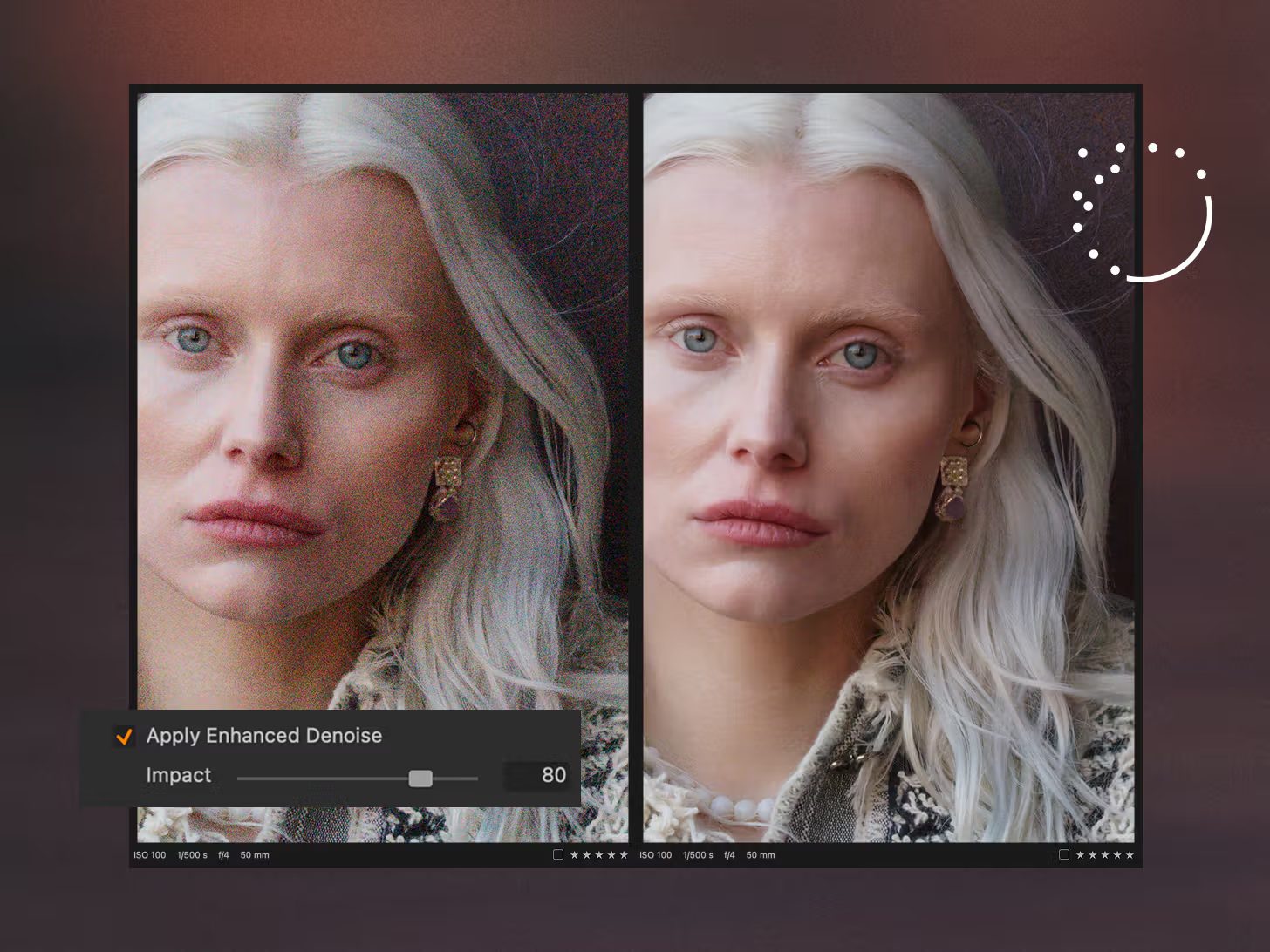
Recover high-ISO shots with Enhanced Denoise, while skin, hair, and fine texture stay intact, no round trips to other apps. Cut the cable with 2nd Gen Wireless Tethering with Canon, and shoot at near-wired speed. Activate Assisted Review to flag closed eyes, soft focus, and missed flashes automatically. And plenty more improvements and support.
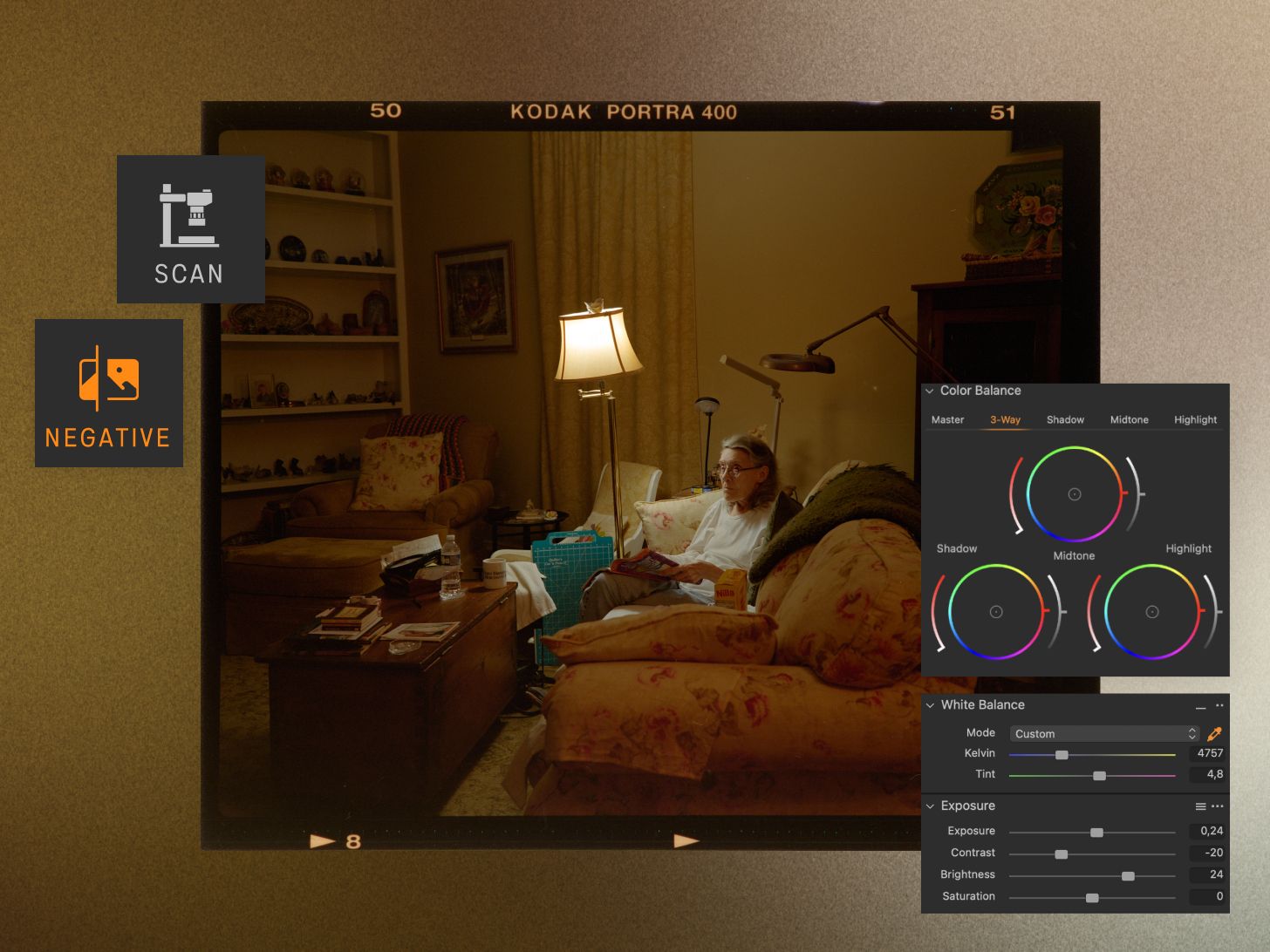
Scan, convert, and edit film negatives. All in one place.
With our new feature, Negative Film Conversion, you can now convert camera-scanned negatives directly inside your workflow, no plugins or extra steps.
Set your conversion once and apply it across frames and full rolls to maintain consistent, film-faithful color. You can even process large batches with your settings applied automatically as you scan.

Our latest update brings the tools you’ve been asking for and a few surprises.
Create complex masks in moments with Combined Masks, adding, subtracting, or intersecting with just a few clicks. Enhance portraits naturally with upgraded Retouching for eyes, teeth, and neck. And make collaboration easier than ever by creating and exporting customizable Contact Sheets in seconds.
No matter what you shoot, these updates help you edit smarter, faster, and stay in the flow.
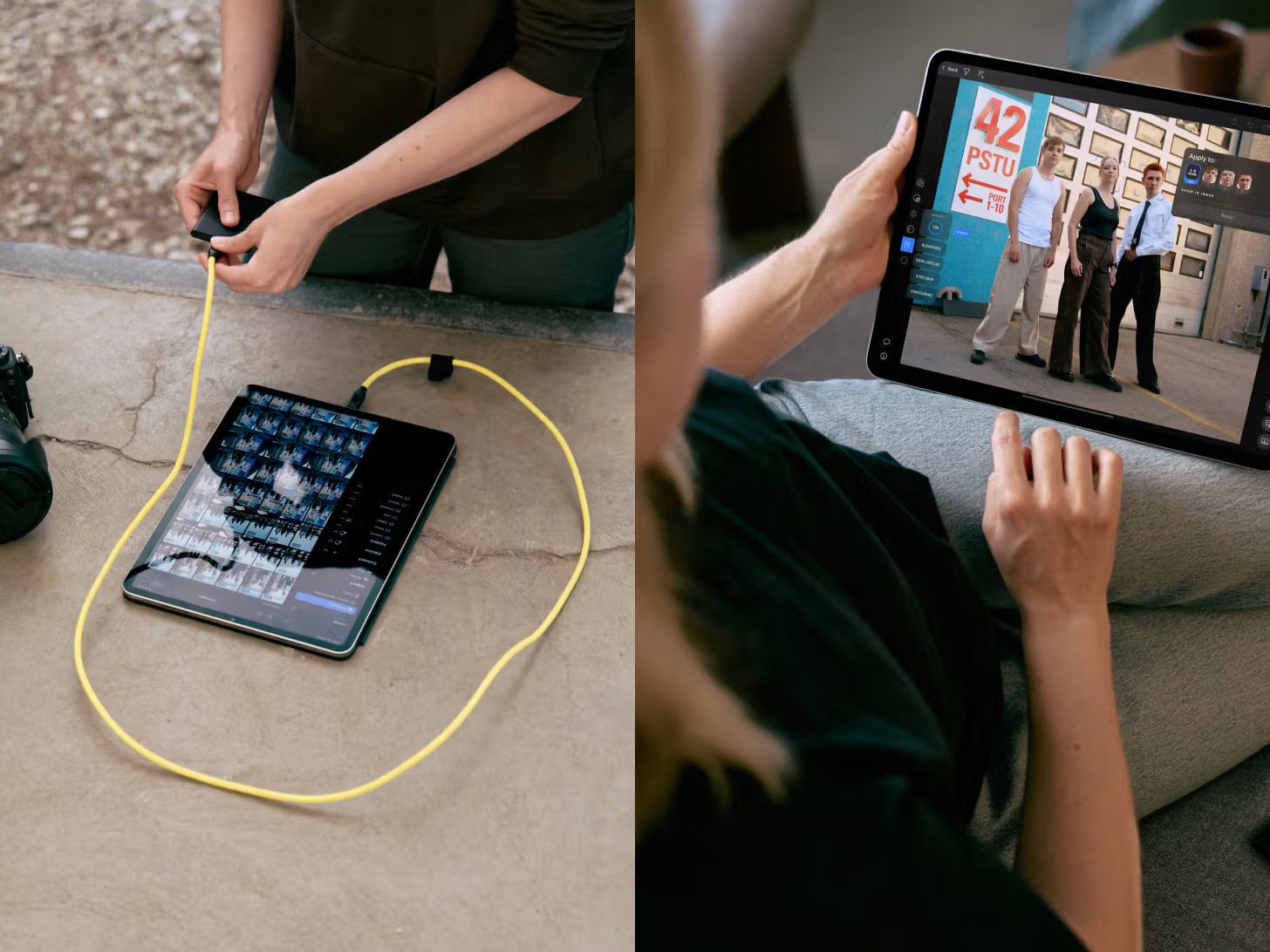
We’ve made big improvements to your mobile workflow, so you can create professionally from any location.
Stay on top of your shoots with Sessions, back up to external drives as you go, and retouch your images while still on location. All from mobile.
You spoke, we listened. Now you can mark and protect areas when retouching. Your Sessions got smarter folder control, and you can shoot wirelessly with LUMIX.
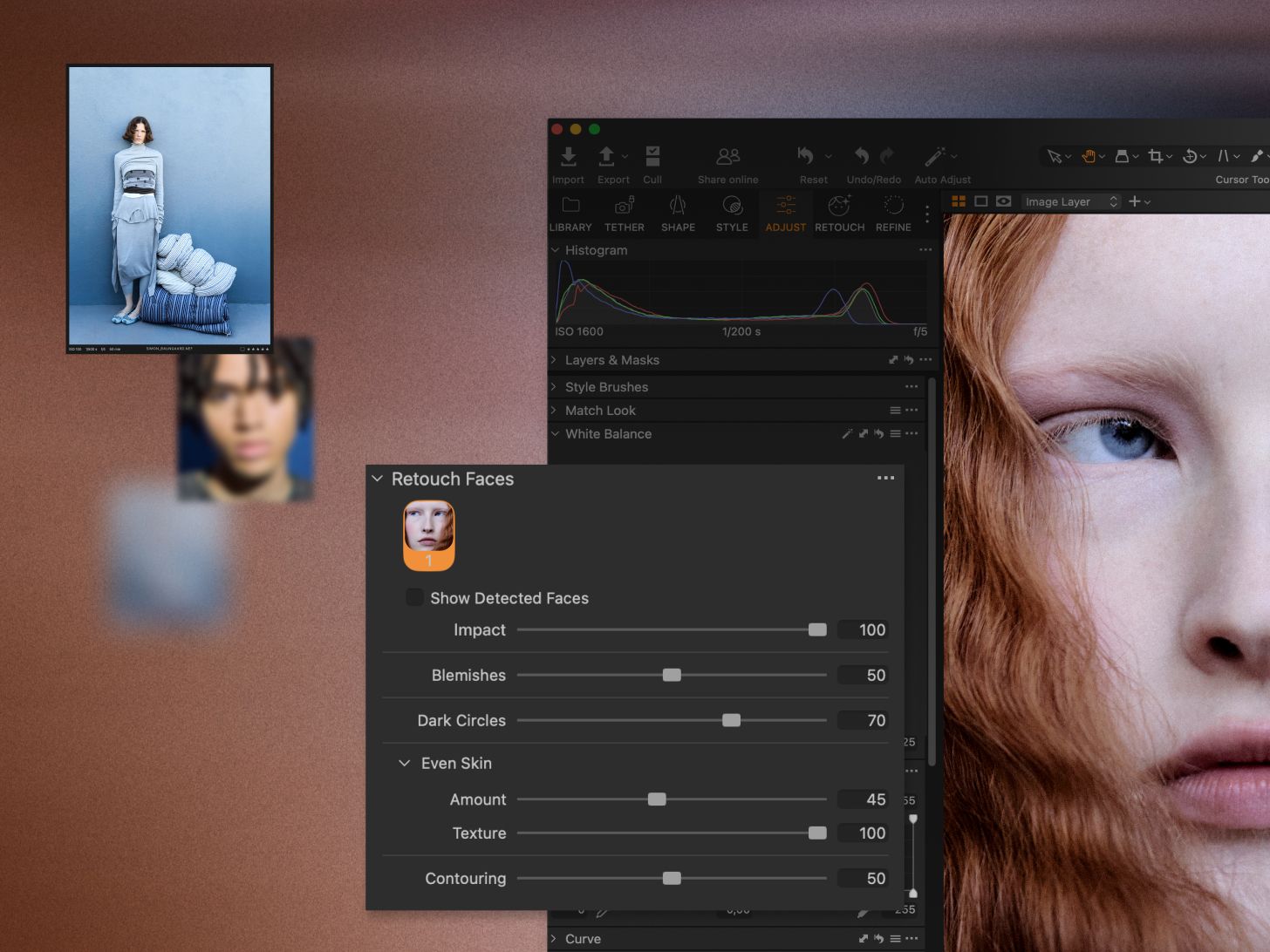
It’s time to make pro-level retouching with easy-to-use sliders. No need for masks or brushing.
With our new Session Builder, you can create folders automatically, save custom structures, and organize complex shoots faster. All within the Library tool.
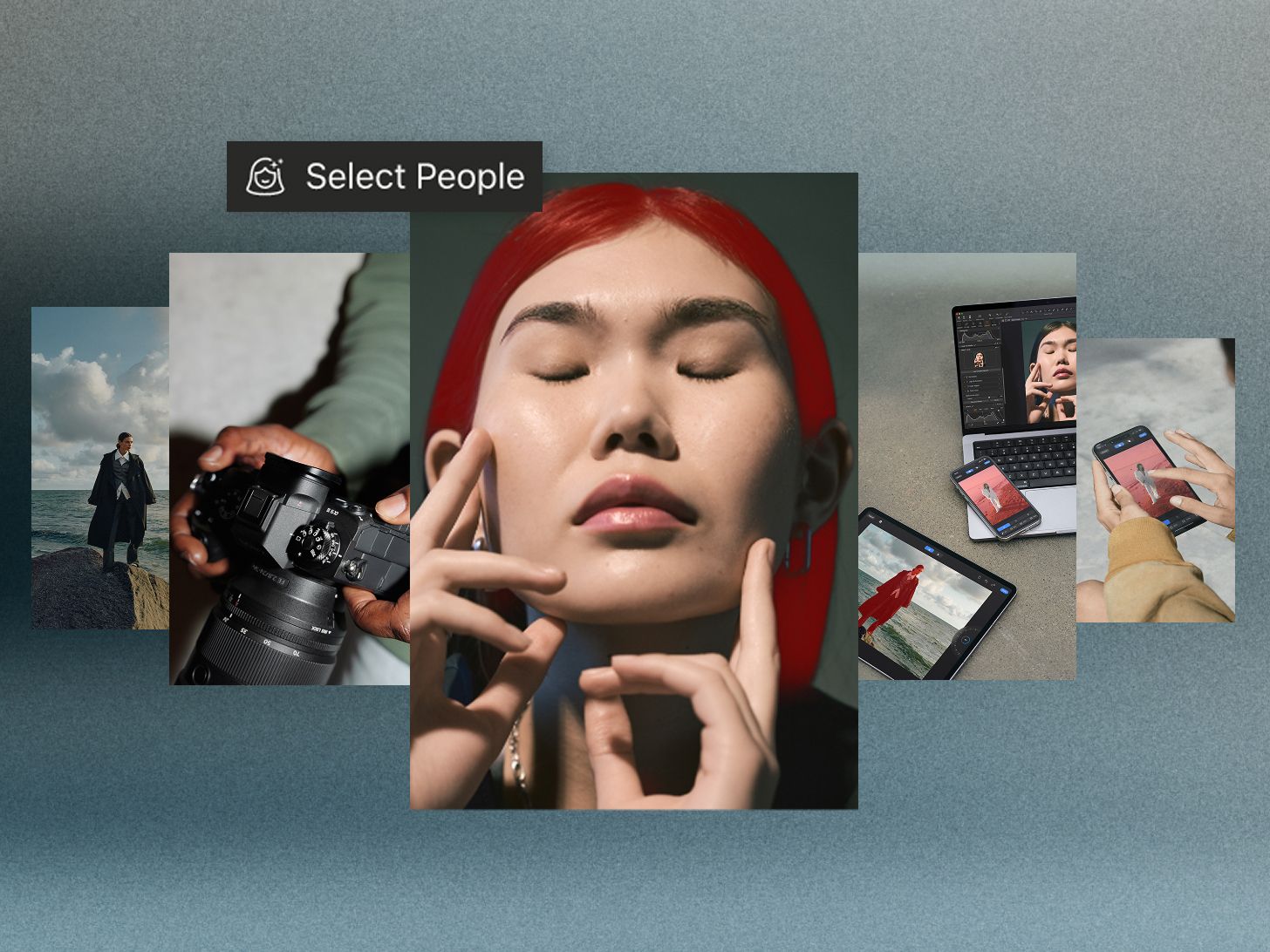
Day 0 support for Panasonic’s new LUMIX S1RII camera, plus People Masking is now on mobile—giving you even more control when editing on the go.
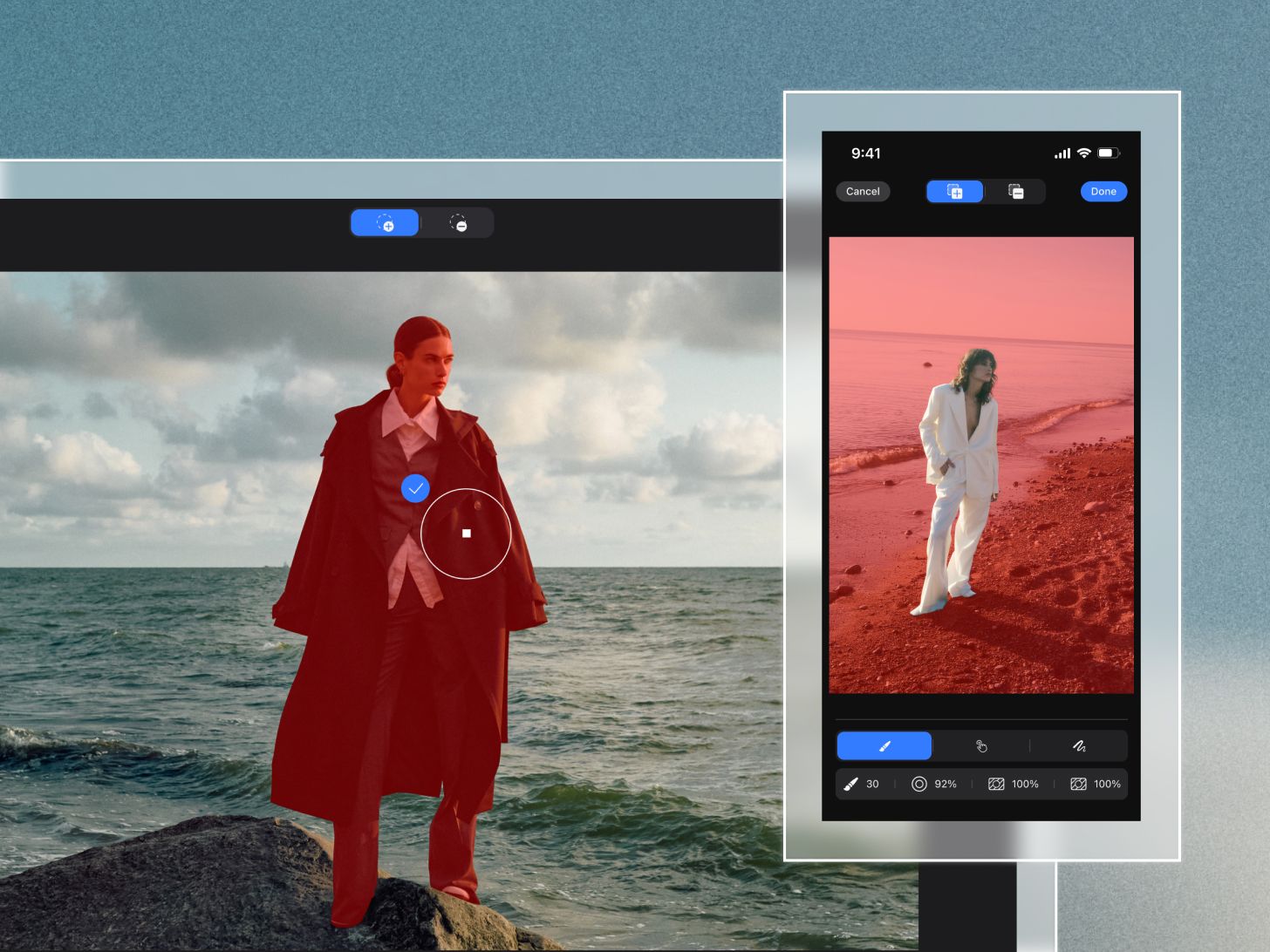
Take our pro power on the move and create complex masks with just a tap. Plus, we’ve got file and tethering support for Leica SL3-S and Sony a1 II.
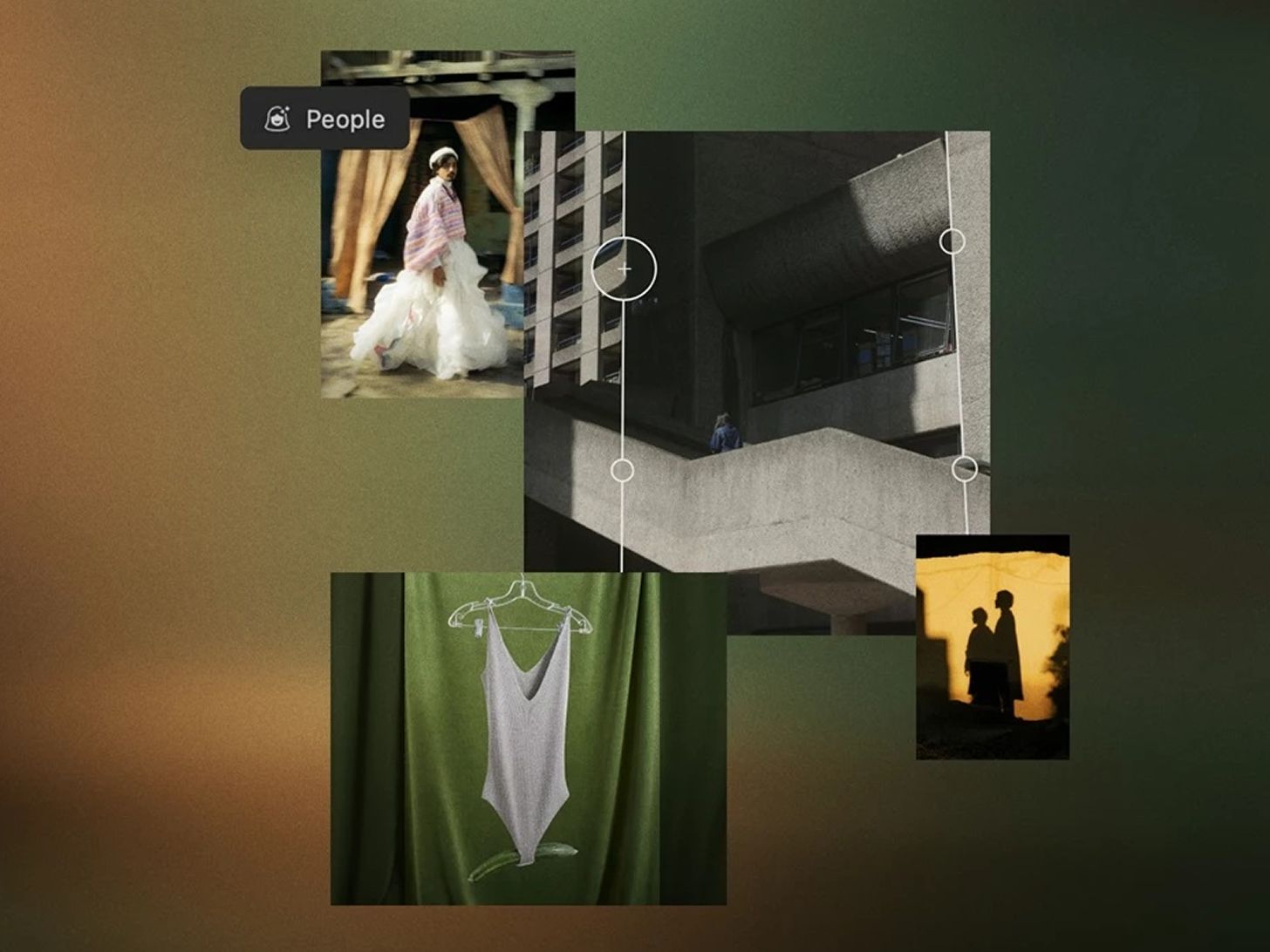
Just a few months after our recent release, we're rolling out exciting new updates—consider it our cherry on top. You’re getting Faster Export Speed and Assisted Features, Loupes for Keystone Handles, Eye Masking, Background Expansion, Camera Support, Preset Sharing, news to Live for Studio, and the ability to copy original files in your Export Recipes.
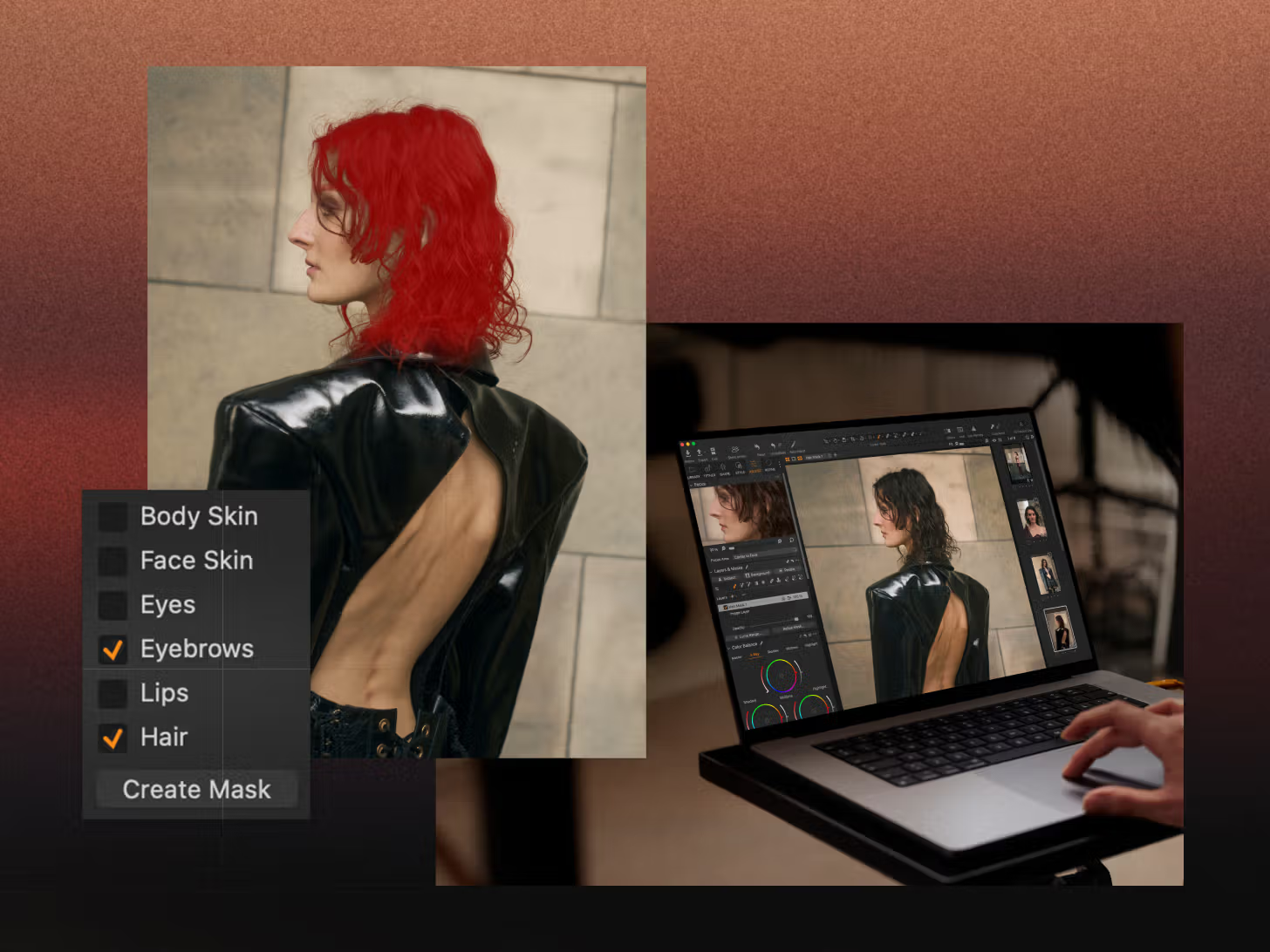
This significant improvement to our Assisted Masking tool is perfect for portrait, fashion, headshot, or wedding photography. It allows you to create precise masking across batches of images and can be incorporated into a Style with other adjustments.
With a single click, you can instantly match the style or edits of a reference image. Whether from a previous project, a film still, or a mood board, it automatically transfers the look to your current photo(s), giving you a strong starting point for editing and color grading.
From advanced tethering to cloud solutions, background replacement, and content authentication. Up your imaging while maintaining precision and trust in every step.
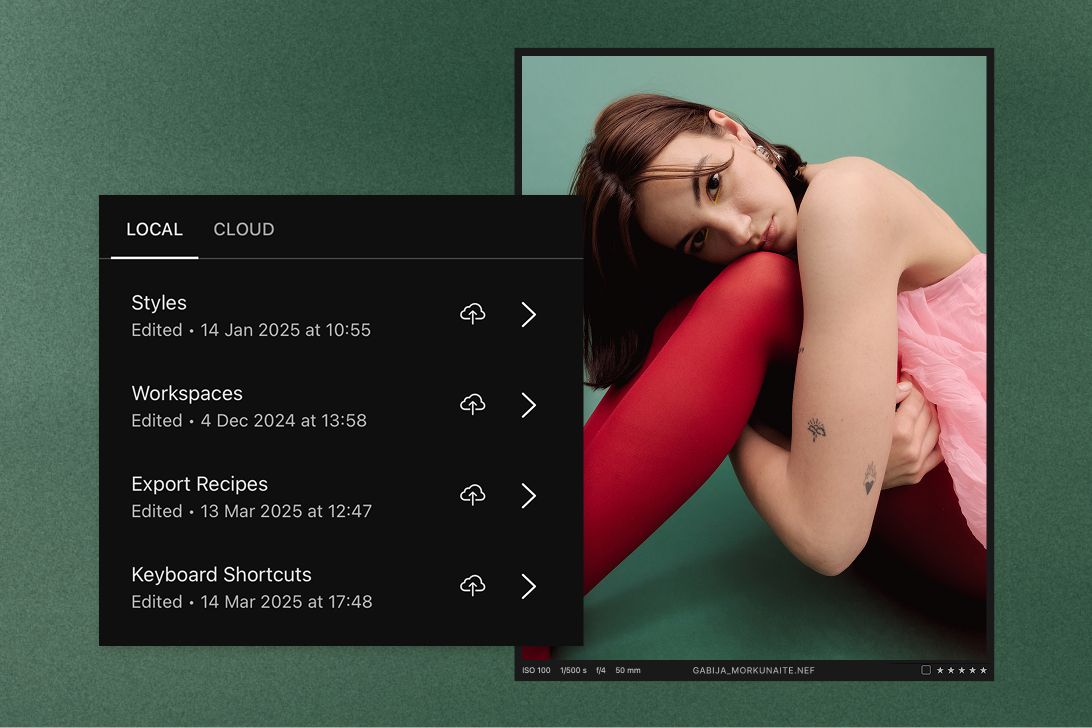
Ideal for when you're working from multiple workstations, and you want to use your own export recipes, Styles, workspaces, and shortcuts across devices for consistent and recognizable looks in your work. Take your Styles through the cloud to mobile.

Try our software for 7 days on your desktop, iPhone, and iPad.