Fashion and beauty photographer Sarah Silver might be best known for her bold, playful, and colorful visuals, but behind every image lies a bulletproof workflow and process that make it all possible. For Sarah, creativity doesn’t come from chaos. It’s built on structure.
In this quick Q&A, she shares how preparation fuels her imagination, the systems that keep her shoots running smoothly, and the tools she relies on from concept to final export.
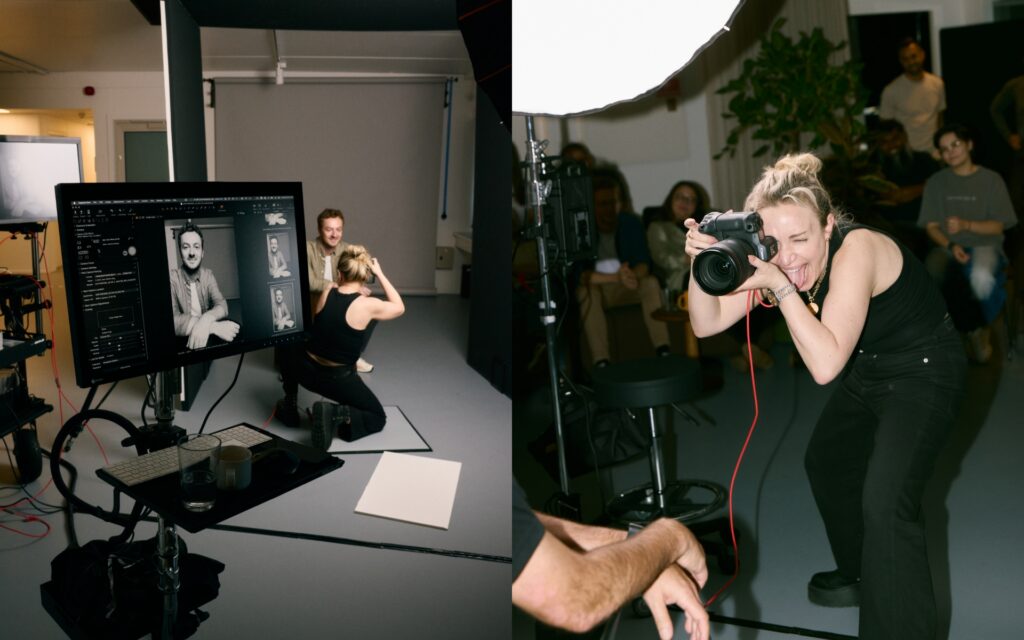
What’s essential when prepping for a shoot?
There’s so much information coming at me from all sides while prepping a shoot, so filing everything properly for easy retrieval is a MUST. I have pre-made digital folders, shoot sessions, job checklists/tasks, and naming conventions that keep me on track and consistent for EVERY project I undertake. I find that if all the pieces are in the right place, it opens my mind to maximum creativity.
Do you have any post-production advice for us?
Post means so much more to me than just retouching. It also includes proper file storage. When backing up files after a shoot, I use on-site RAIDS to upload my Capture One shoot sessions, and multiple off-site backups for redundancy (you never know when there will be a flood in the studio). So I highly recommend multiple backups in multiple locations!
Also, a quick tip for retouching: When we go through retouching rounds in Photoshop, I always refer back to my original base image (R0) to see how far the image has come and where I’m going; otherwise, it’s really easy to overdo it. I will often “brush back” details that were removed from the original so I can keep retouching and make it feel more natural rather than overly airbrushed.
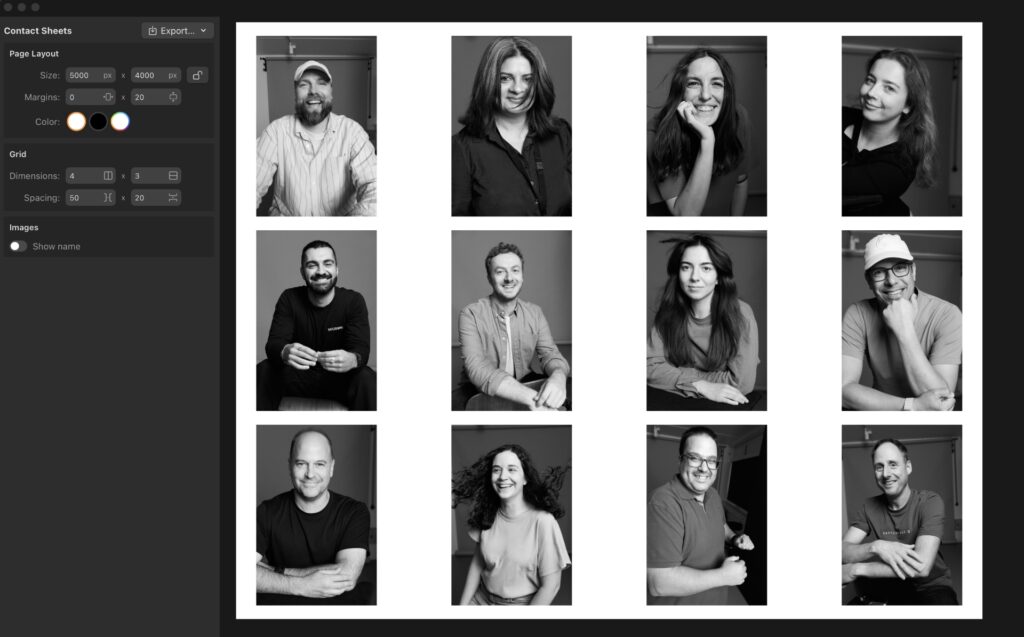
How do you balance creativity and efficiency on set?
Quick Answer: A time-tested workflow that I have developed over the years through tough lessons!
Long answer: Over the years, I have developed a workflow that helps me avoid making the same mistake twice.
The second a shoot comes in, my workflow begins with meticulous organization. When you’re organized, you can move quickly and address the most common questions/complications that may arise during a shoot. This allows space for creativity to take over, because you’re not busy trying to problem-solve for a million questions on set that you could have asked before the shoot.
My organization also trickles down to my team, so everyone understands where they need to be and what needs to be done to make a shoot go smoothly. Ultimately, this streamlines our entire process, allowing us to focus on our creativity.
Of course, there will always be challenges to be solved on set, so it’s also important to be able to wear many hats and be able to pivot quickly into problem-solving mode.
Can you share a favorite shoot and what made it stand out?
Gosh, this is a really tough question. I am lucky to work with such amazingly talented teams that are always pushing to create stunning visuals. I can honestly say that every shoot is my favorite because it’s a blank slate where I can be inspired and inspire others to create something extraordinary that we can all be proud of.
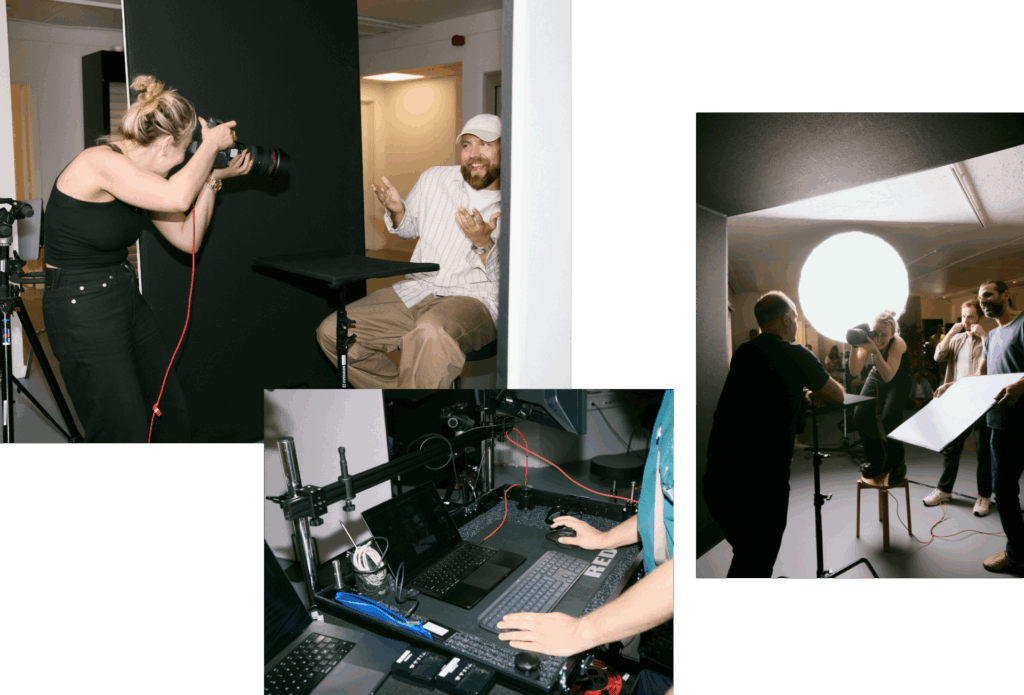
What’s your strategy for managing time on set?
I built a spreadsheet schedule that shows everybody’s role and where they are on the shoot day in 5-minute increments. I know it’s a bit detailed, but it’s my north star during a shoot and helps make sure everybody’s time is 100% accounted for.
How do you collaborate with your team?
I learned early on in my career that I thrive in a collaborative space. I work with amazing artists who bring so much to my creative process. The best feeling in the world is when the entire team yells out “omg” when a killer shot pops up in Capture One. It’s as if we are all synced into the creative flow, and it just feels so magical.
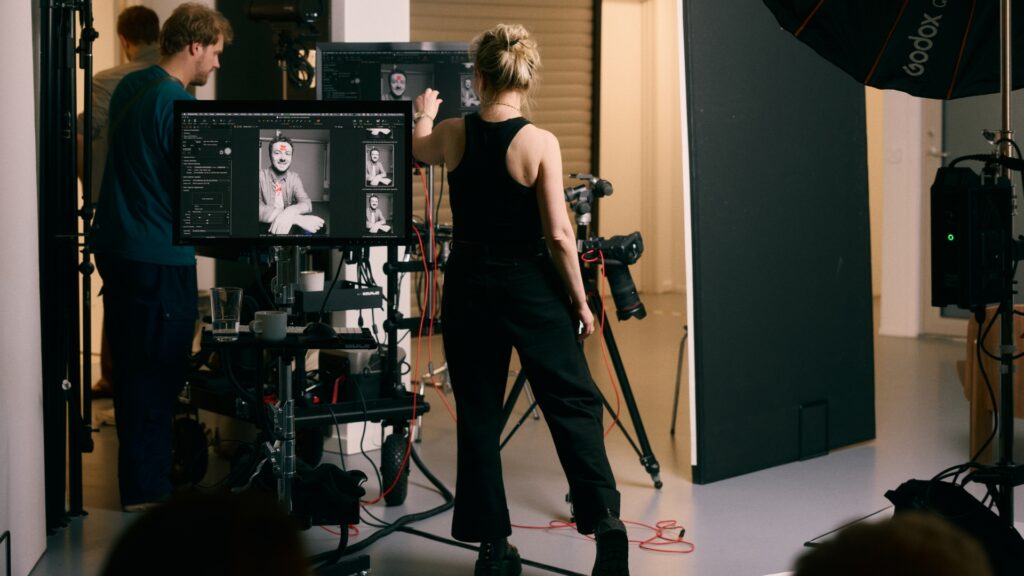
Where does software fit into your workflow?
Capture One is ever-present throughout my entire shoot process – from prep to post. We customize sessions in advance of the shoot and refer back to them throughout post-production to export and re-export as needed. For me, my favorite features are:
- Multiple Compare Variants
- Export as EIP from the processing menu
- All my custom keyboard shortcuts – these help me move at the speed of light! I am especially obsessed with filtering when editing.
What’s your top advice for building a solid workflow and a distinct voice?
When it comes to workflow, it’s super important to learn from your mistakes. I am always refining my workflow to ensure that I never make the same mistake twice.
As for finding a distinct voice, I strongly believe you should draw on what you love. If you can combine the things that you are most passionate about, you will create with heart, and, in the end, that heart is what is most unique, because no one else has the same worldview as you.
New to Capture One? Try for free for 7 days.