RETOUCH
SKIN TONE
BODY SKIN
EVEN SKIN, HEAD TO TOE
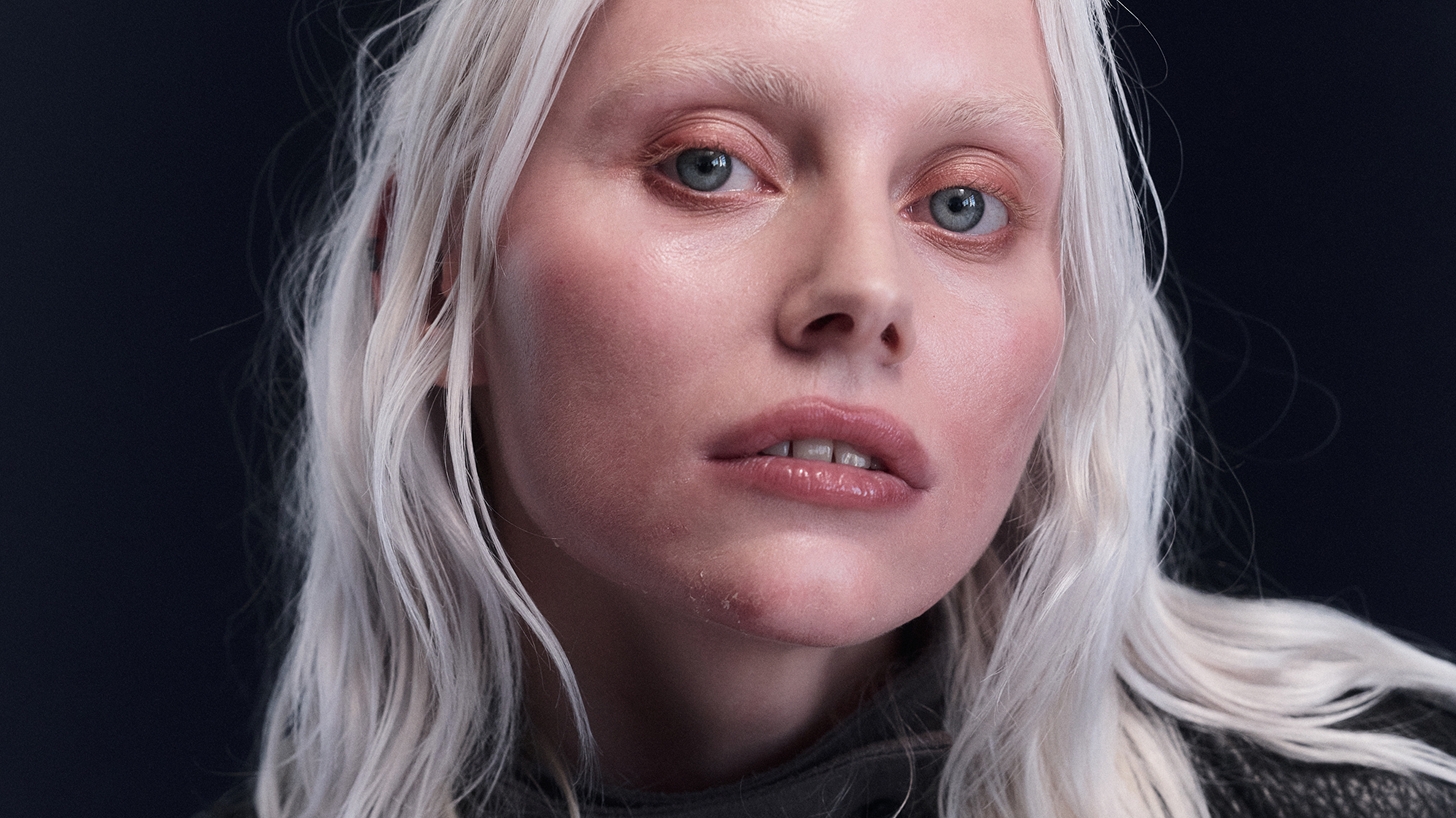
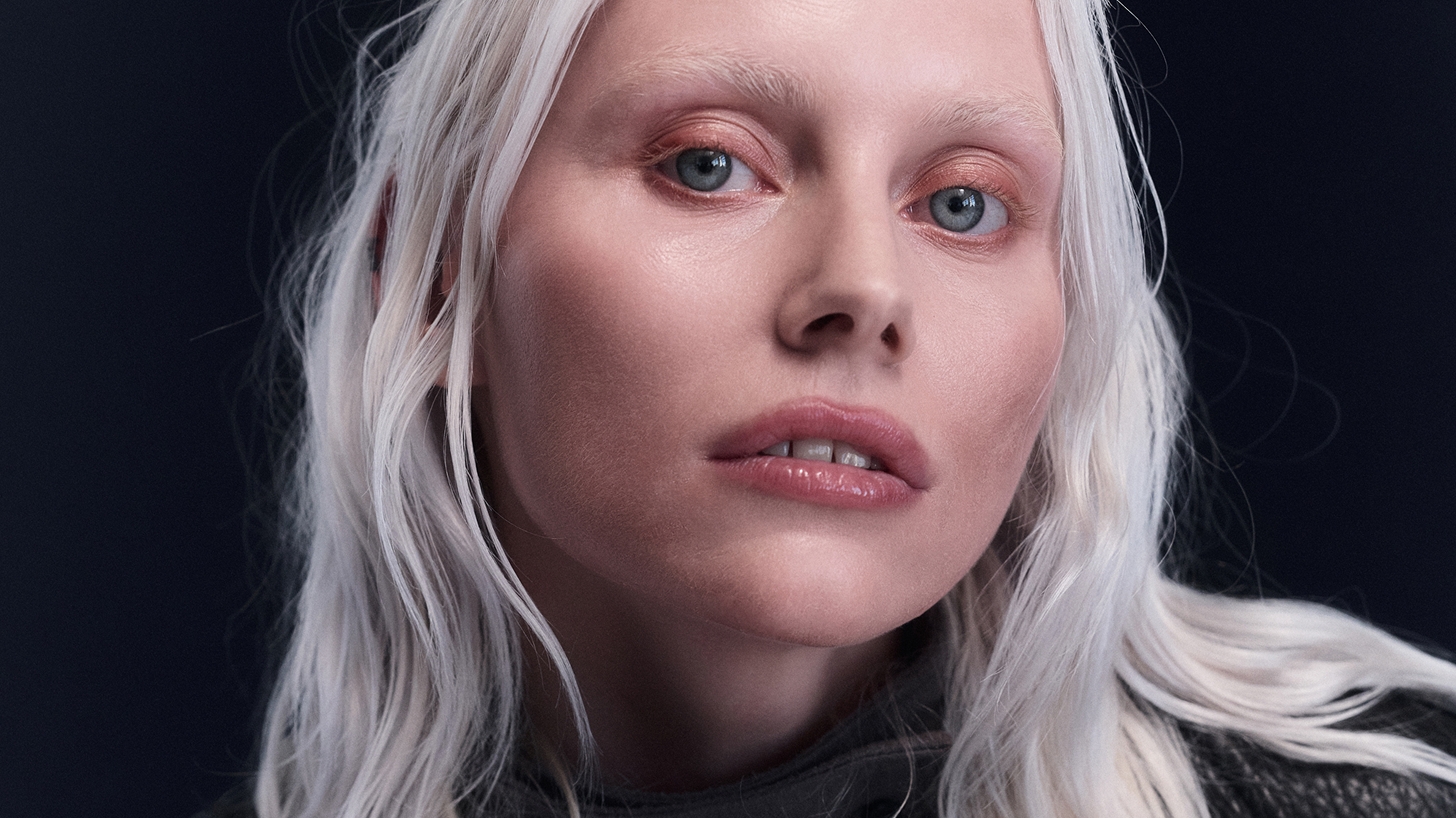
Even Skin works on the whole body. Smooth out arms, legs, and shoulders, and keep the texture you want. Skin Tone Retouching removes color casts and red noses, so the face and hands match.
Pull the sliders and decide how much to retouch. Click below to see the full set of tools on our retouching page.
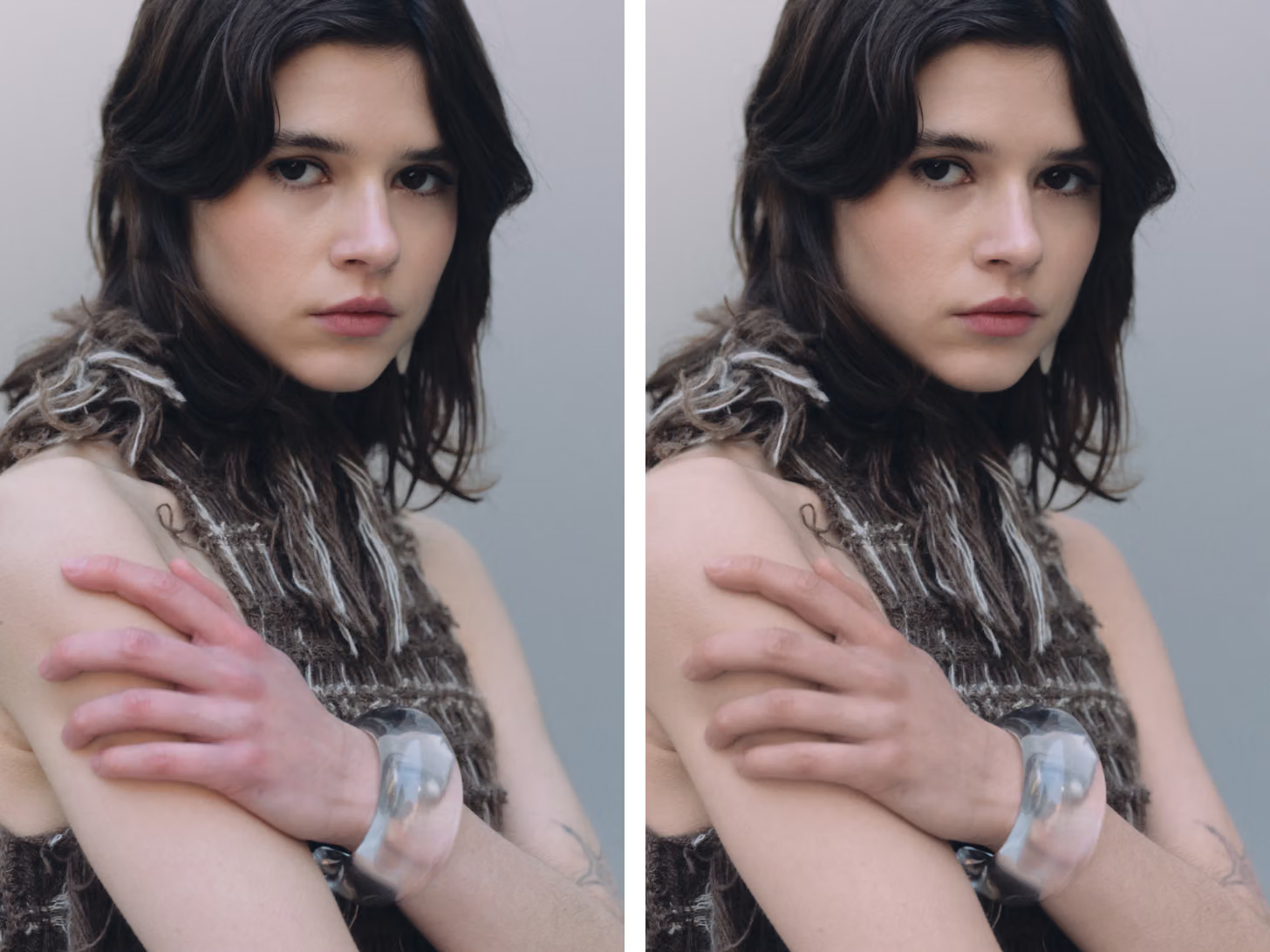
Even Skin works on the whole body. Smooth out arms, legs, and shoulders, and keep the texture you want. Skin Tone Retouching removes color casts and red noses, so the face and hands match.
Follow Copenhagen-based photographer Simon Baungård as he uses our new retouching tools to complete a full portrait shoot in one app.
Match the look or style of any reference image, getting your color grade and edit going in seconds.
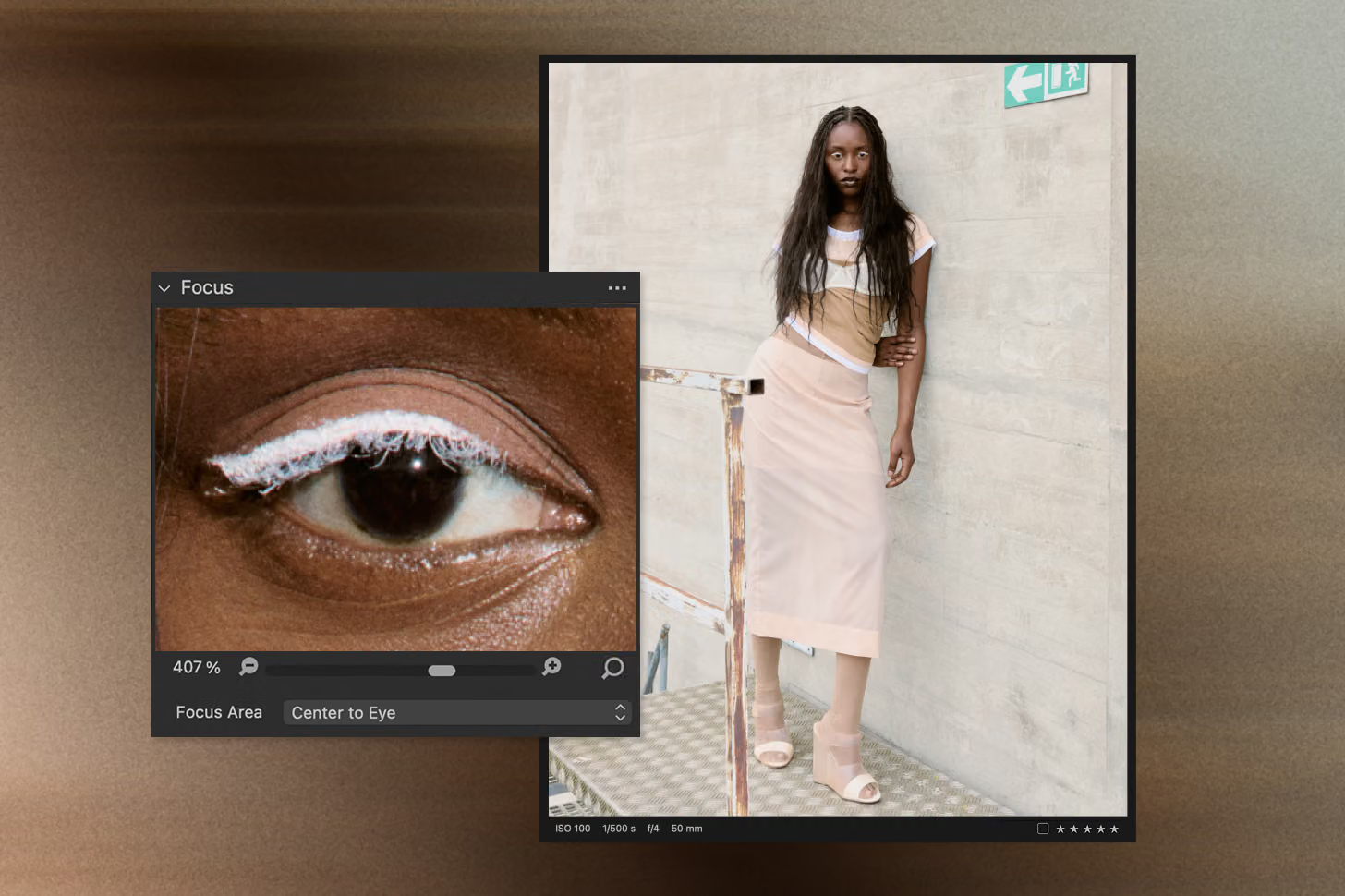
Quickly assess and refine focus with Snap to Eye, ensuring every shot is razor-sharp.
Let AI Crop handle framing for you, delivering precise and consistent compositions every time.
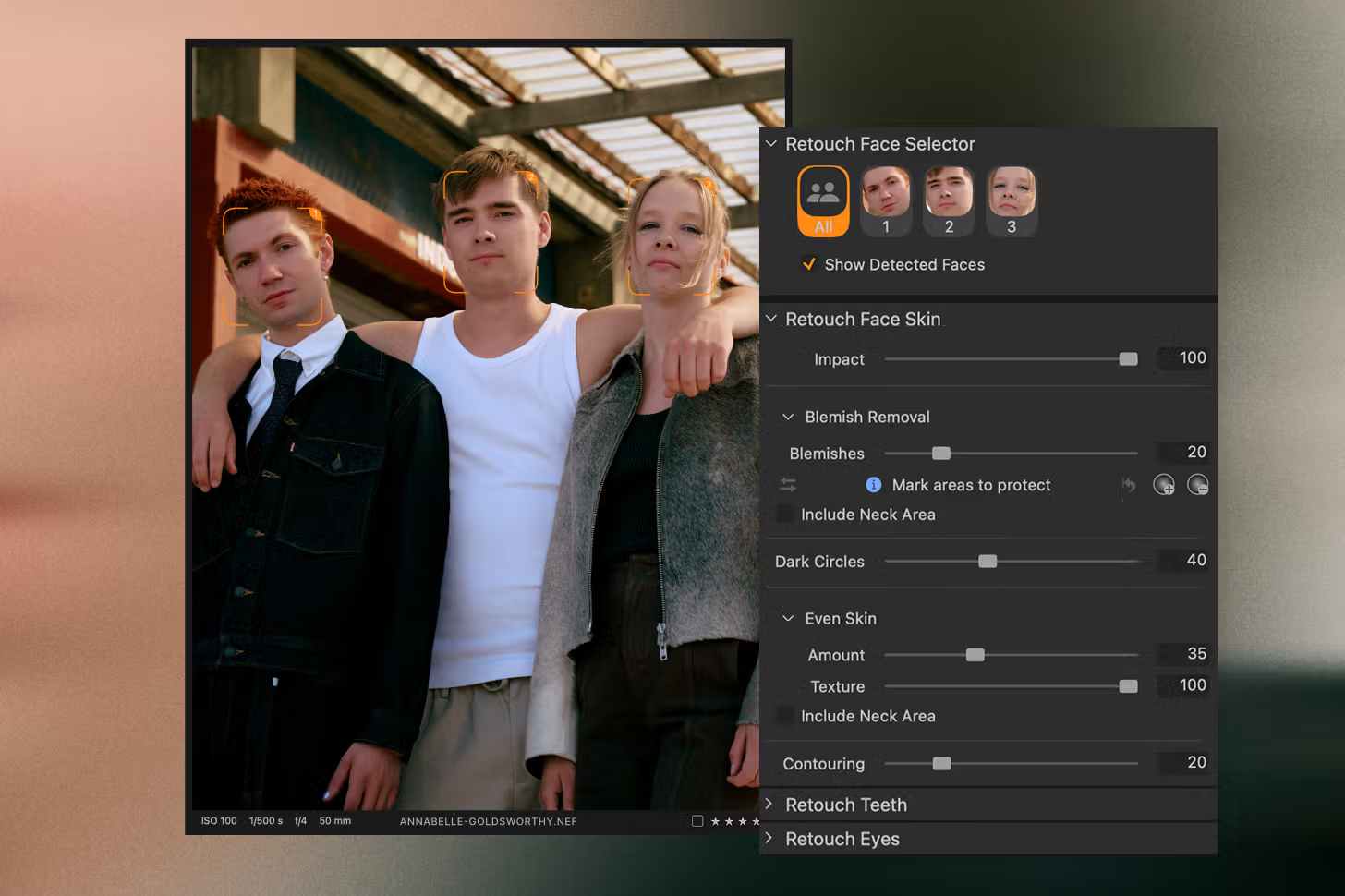
Automatically detect faces and choose to edit them individually or all at once—your workflow, your call.
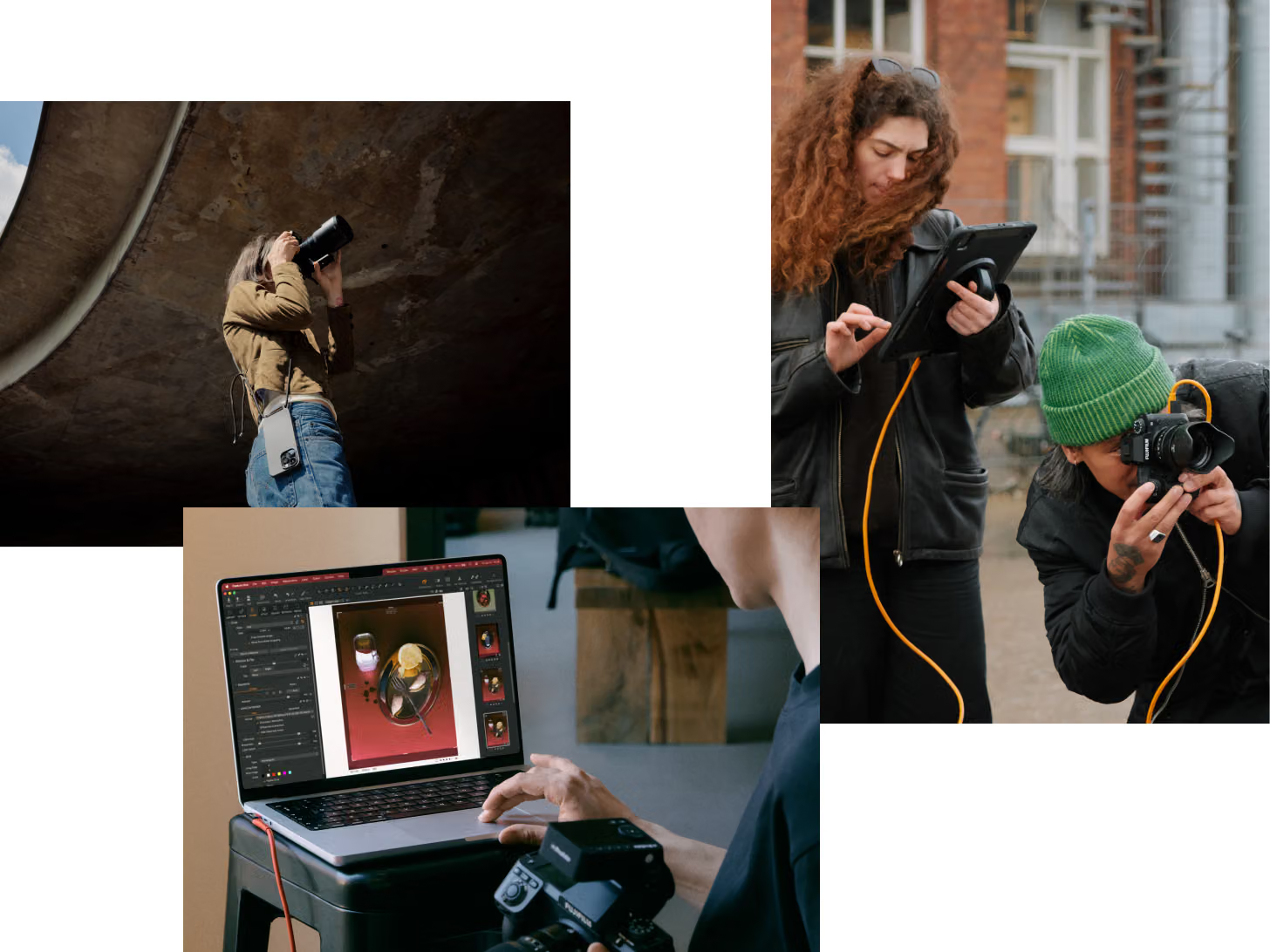
Whether you're on set or on the go, tether your way—mobile or desktop—and apply edits automatically as you shoot. Stay in the flow and see results in real-time.
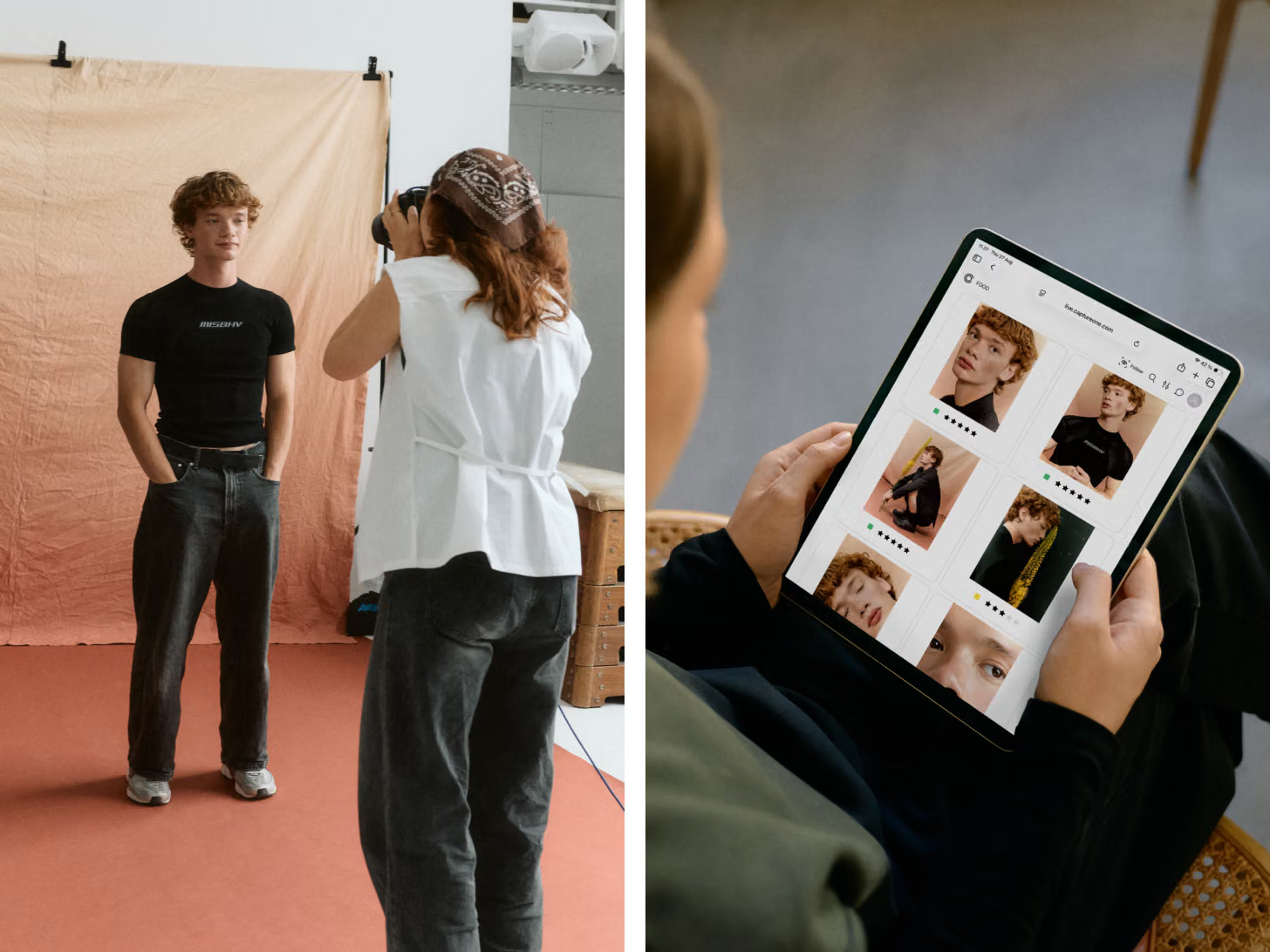
Share and review your shots quickly with teams and clients wherever they may be. Collect feedback in the app through comments, star ratings, and color tags – allowing you to stay in the moment, adjust, and keep going.

Assisted Review (Beta) flags closed eyes, missed focus, and exposure problems, and shows the results for each face in the frame, so you can spot the keepers fast.

Use Sessions for quick, focused projects or Catalogs for long-term workflows. Easily find, manage, and access your files—no matter how you work.

Export photos in multiple formats for web, print, and social media – all at once.
Experience Capture One free on desktop and mobile. Take your creative workflow anywhere.
Complete workflow flexibility, allowing you to deliver and create freely.